
Born Near Midnight: Which Date Should Numerology Use?
A worked midnight example explains local birth dates, UTC dates and why a timezone conversion should not silently change your day number.
A birth close to midnight can appear under two dates when software converts between local time and UTC. For birthday numerology, the starting point in the method described here is the recorded local civil birth date, not whichever date a server sees after converting a timestamp.
One instant, two calendar labels#
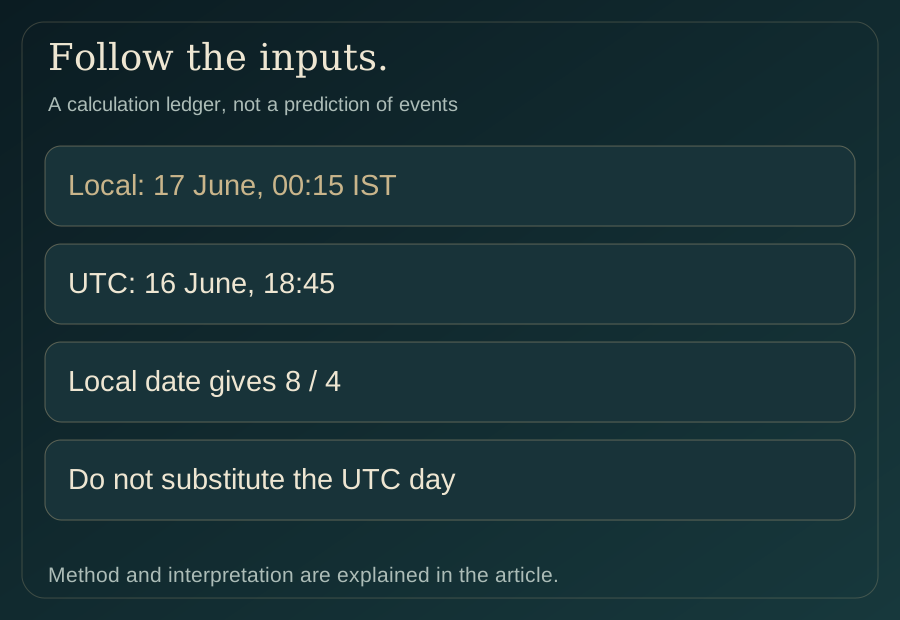
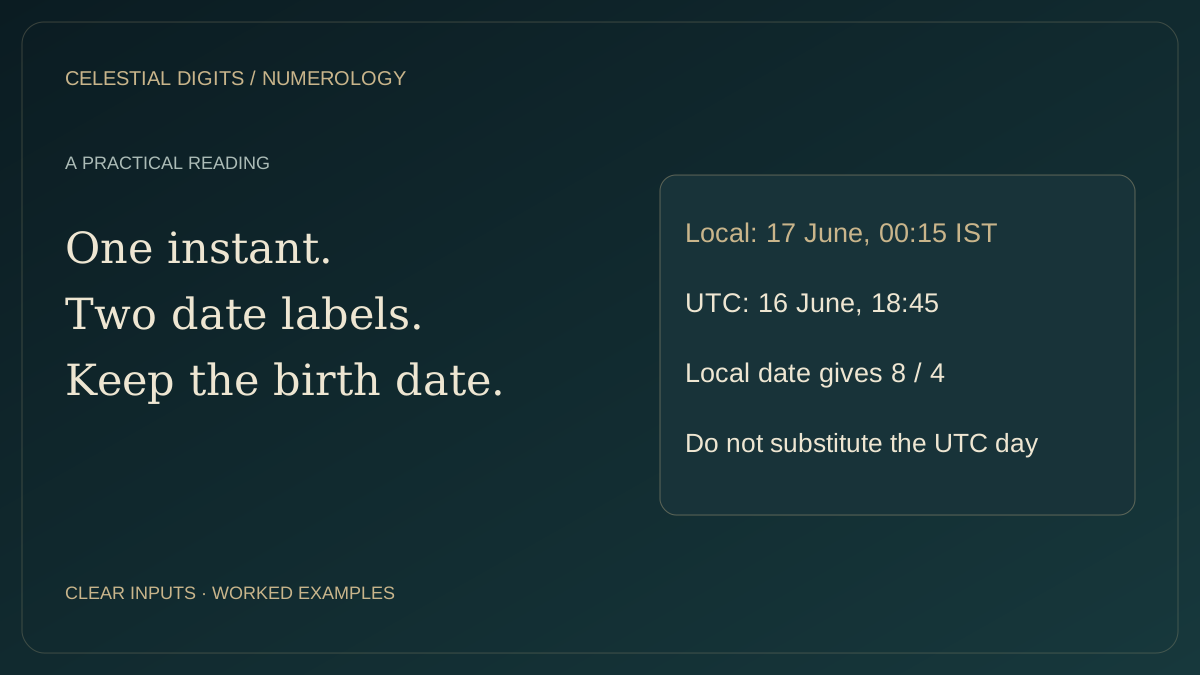
Consider a fictional birth recorded in India as 17 June 1997 at 00:15, using UTC+05:30. The corresponding UTC timestamp is 16 June 1997 at 18:45. These describe the same instant, but they do not display the same calendar date.
Using the recorded local date, Moolank is 1 + 7 = 8. The full-date sum is 1 + 7 + 0 + 6 + 1 + 9 + 9 + 7 = 40 → 4. If a tool accidentally substitutes the UTC date, it gets day 16 → 7 and full-date total 39 → 3. That is an input substitution, not a new interpretation of the same birthday.
Separate numerology from astronomical calculation#
A chart engine needs an unambiguous instant to calculate planetary positions, so timezone conversion has a legitimate role there. A day-number calculation is asking a different question: what calendar day was recorded at the place of birth?
Passing both tasks through one unlabeled date string can cause confusion. The correct response is to clarify what each field represents, not to remove timezone handling from the chart engine. This article explains the distinction; it does not change the website's time utilities.
| Information | Example | Purpose |
|---|---|---|
| Local birth date | 17 June 1997 | Recorded birthday for this numerology method |
| Local birth time | 00:15 | Clock time at the birth location |
| Offset at that time | UTC+05:30 | Relates local time to an instant |
| UTC timestamp | 16 June 1997, 18:45 UTC | Another representation of that instant |
What if family recollections disagree?#
Do not choose the date whose personality description feels more flattering. First distinguish an actual uncertainty in the record from a software display conversion. A dated record, the birth location and the meaning of “midnight” in the recollection may resolve the issue.
If the date remains uncertain, keep both possibilities labelled. A symbolic reading cannot establish a missing civil date. Similarly, “the night of the 16th” may be conversational wording for the early hours of the 17th; ask what was meant rather than silently deciding.
Avoid a universal sunrise rule#
Some traditional calendar practices define a day differently for specific ritual or calendrical purposes. That does not mean every modern birthday numerology calculator changes dates at sunrise. State the convention being used and do not mix a sunrise-based interpretation with a civil-date input without explanation.
A quick check before comparing calculators#
Record the birthday as day, month and year in words. Check whether an exported timestamp includes a timezone and whether the displayed date changed after import. Then reproduce the Moolank and Bhagyank sums manually.
If the same local date produces different sums, investigate the arithmetic or reduction rule. If the tools used different dates, resolve the input first. Numerology cannot repair an ambiguous timestamp by interpretation.
Related Posts
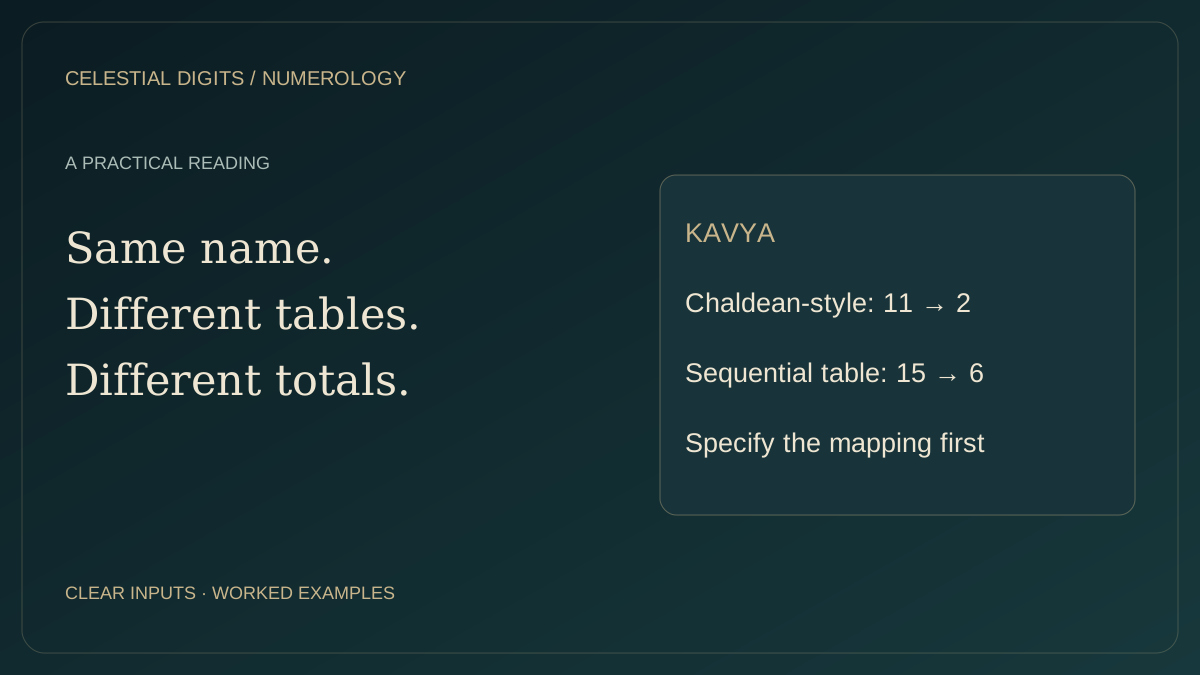
Why Two Name Calculators Disagree: Chaldean and Pythagorean Tables
Compare KAVYA letter by letter under two common tables and see why equal labels can conceal different calculation methods.
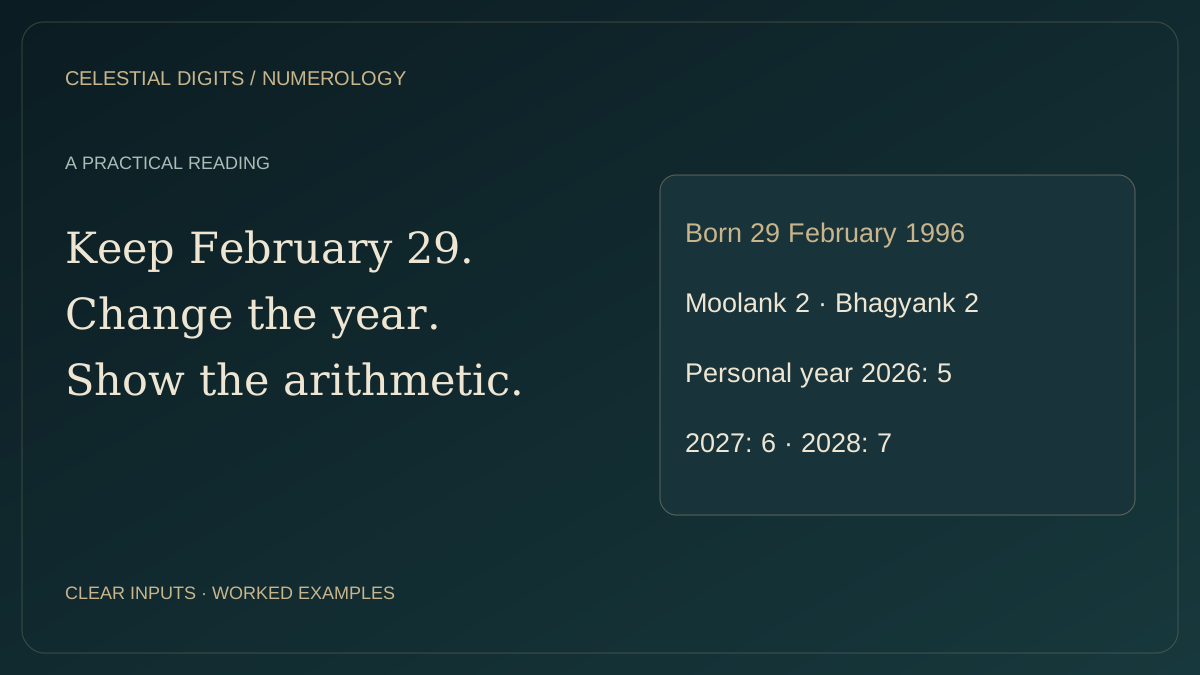
Born on 29 February: Numerology in Leap and Non-Leap Years
Calculate a leap-day Moolank, Bhagyank and personal year without inventing a 29 February date in a non-leap year.
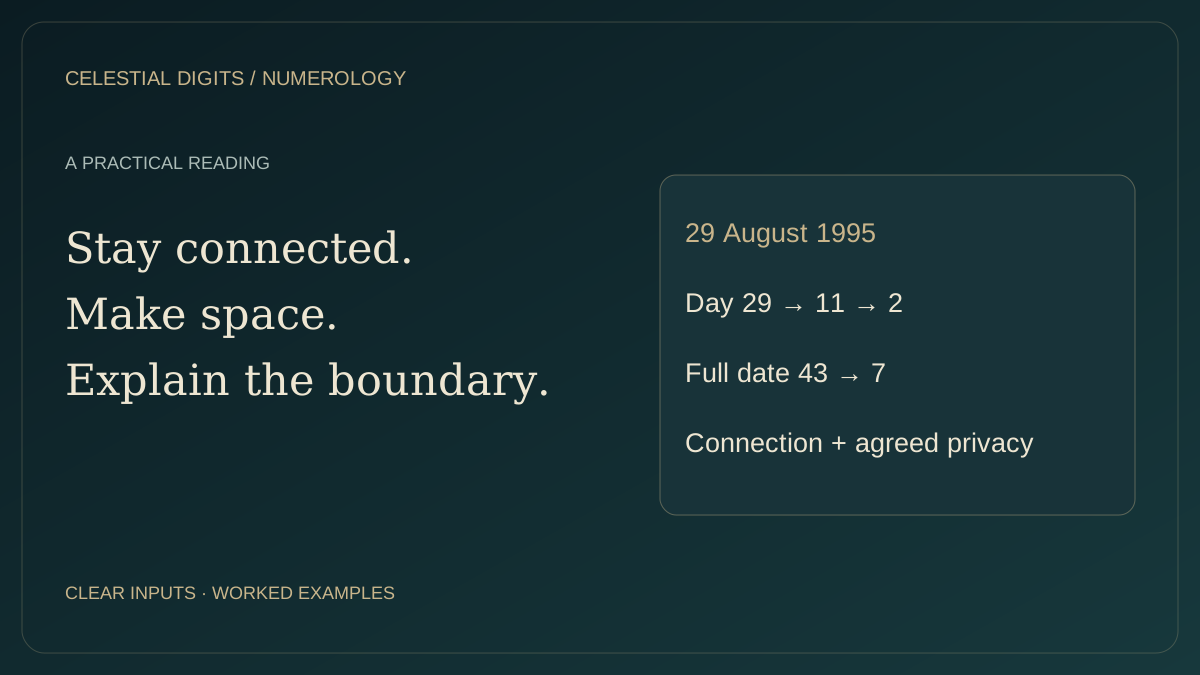
Moolank 2 and Bhagyank 7: Connection without losing privacy
A worked 2–7 calculation and a practical example of asking for space without turning a number pair into a relationship verdict.
A little more perspective.
Keep discussions respectful. No harassment, hate, sexual content or spam. Comments are reviewed before publication. Report concerns from a comment menu, or contact [email protected].
Checking your session…